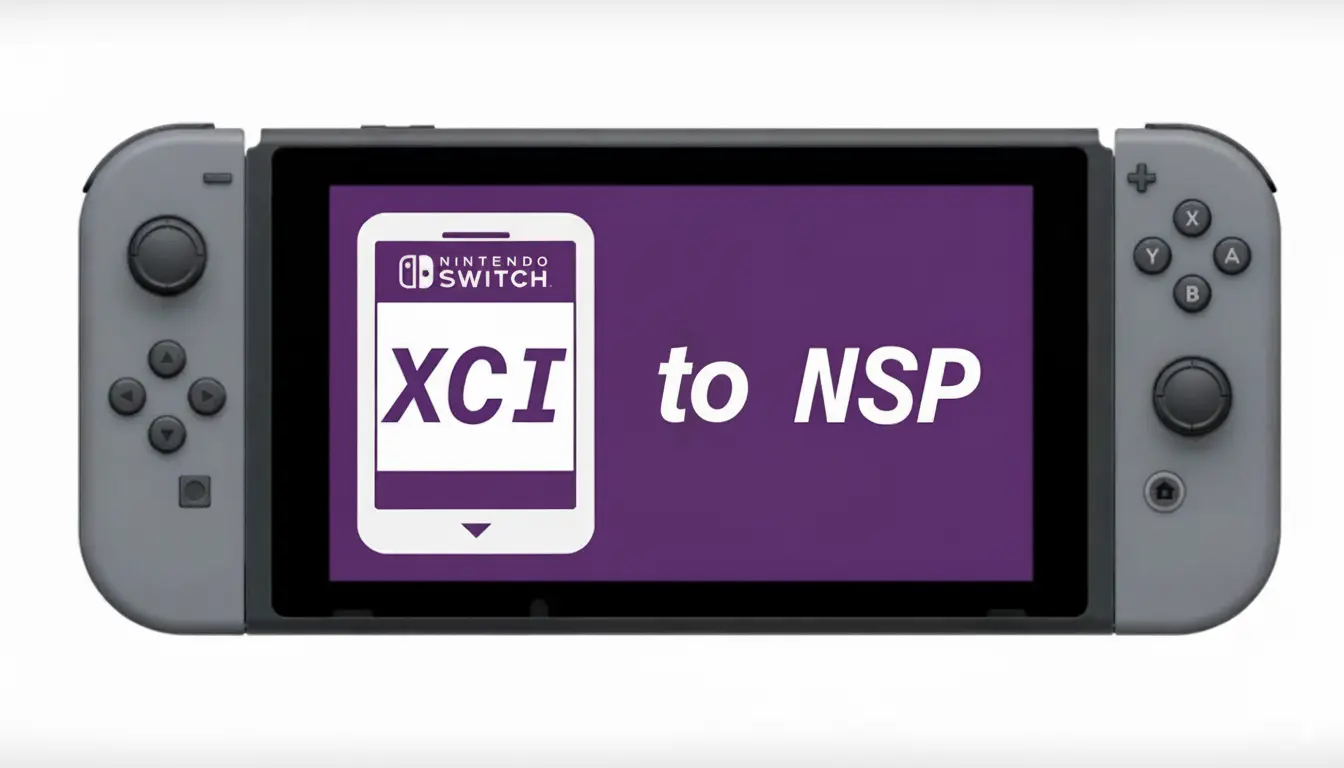
If you use Nintendo Switch emulators or manage Switch game backups, you may have seen two common file formats: XCI and NSP. Many users convert XCI files into NSP format for easier installation, better storage management, or emulator compatibility.
In this guide, you’ll learn what XCI and NSP files are, why people convert them, the tools commonly used, and the safest way to handle the process. This article is written for educational purposes and focuses only on legally obtained game backups.
What Is an XCI File?
An XCI file is a dump of a physical Nintendo Switch game cartridge. It contains the full game data exactly like a real cartridge.
Main Features of XCI Files
- Usually larger in size
- Represents cartridge-based games
- Often used for archiving physical game backups
- Can contain updates and DLC in some cases
- Supported by many Switch emulators
Advantages of XCI
- Good for preserving cartridge data
- Simple drag-and-play format for some emulators
- Easy to store as a complete game dump
What Is an NSP File?
An NSP file is the Nintendo Switch package installation format. It works similarly to an installer package.
You can think of NSP as a digital eShop-style installation package.
Main Features of NSP Files
- Commonly used for installed games
- Better for updates and DLC management
- Often smaller after trimming or compression
- Widely compatible with Switch emulators
Advantages of NSP
- Easier installation
- Better update handling
- Cleaner game management
- Preferred by many emulator users
Why Convert XCI To NSP?
There are several legitimate reasons why users convert Switch game formats.
- Better Emulator Compatibility
- Easier Installation
- Storage Optimization
- DLC and Updates
- Faster Game Management
Important Legal Notice
Before converting any Switch game files, remember:
- Only use games you legally own
- Do not download copyrighted games illegally
- Do not share converted game files online
- Respect Nintendo’s copyright policies
This guide is intended for backup, preservation, and emulator compatibility purposes only.
Tools Commonly Used For XCI To NSP Conversion
Popular Conversion Tools
1. SAK (Swiss Army Knife)
A popular all-in-one Nintendo Switch utility.
Features:
- XCI to NSP conversion
- Firmware management
- File trimming
- NSP rebuilding
2. 4NXCI
A lightweight command-line tool used by advanced users.
Features:
- Fast conversion
- Works on multiple platforms
- Supports cartridge dumps
3. NX Game Builder
Useful for rebuilding and packaging Switch game files.
4. Yuzu or Sudachi Utility Tools
Some emulator ecosystems include helper utilities for file management.
Requirements Before Conversion
Before starting, make sure you have the following:
Required Files
- Legally dumped XCI game file
- Product keys (prod.keys)
- Title keys if required
- Sufficient storage space
Recommended Hardware
- Windows PC or Linux system
- At least 8GB RAM
- SSD storage for faster conversion
- Updated graphics drivers
How To Convert XCI To NSP (Step-By-Step)
Method 1: Using SAK (Easy Method)
This is one of the easiest methods for beginners.
Step 1: Download and Install SAK
Download the latest version from its official community source.
Extract the files to a folder on your computer.
Step 2: Launch the Program
Open the SAK application.
You will see multiple Switch utility options.
Step 3: Select XCI to NSP Conversion
Choose the conversion option from the menu.
Step 4: Add Your XCI File
Browse your computer and select the XCI game file you want to convert.
Step 5: Start Conversion
Click the convert button.
The software will begin processing the file.
Conversion time depends on:
- Game size
- PC speed
- Storage performance
Step 6: Locate the NSP File
Once complete, the converted NSP file will appear in the output folder.
Method 2: Using 4NXCI (Advanced Method)
This method is more technical but lightweight.
Step 1: Install 4NXCI
Download the tool and extract it.
Step 2: Add Required Keys
Place your legally dumped Switch keys into the required folder.
Step 3: Open Command Prompt
Step 4: Run the Conversion Command
Example:
4nxci.exe game.xci
The tool will automatically generate the NSP version.
Also see: Uzuy Firmware 22.1.0 Download Latest Version (China, Global)
Eden Prod Keys and Title Keys v22.1.0 Download Latest (2026)
Common Problems During Conversion
Many beginners face small issues while converting files.
Here are the most common ones.
1. Missing Keys Error
Fix
Use properly extracted keys from your own Nintendo Switch console.
2. Corrupted XCI File
Fix
Re-dump the cartridge from the original game.
3. Antivirus Blocking the Tool
Fix
Download tools only from trusted community sources and whitelist them carefully if verified safe.
4. Game Won’t Launch
Fix
Update emulator and firmware files
XCI vs NSP: Which Format is Better?
Both formats have advantages depending on your usage.
| Feature | XCI | NSP |
|---|---|---|
| Based On | Physical Cartridge | Digital eShop |
| Installation Needed | Usually No | Yes |
| Easier File Management | Moderate | Better |
| Emulator Compatibility | Good | Often Better |
| Storage Handling | Larger | More Flexible |
Frequently Asked Question
Does converting XCI to NSP reduce game size?
Usually not significantly. File sizes may vary slightly depending on compression and included data.
Which format works better for emulators?
Many users prefer NSP because installation handling is often simpler, though modern emulators support both formats.
Do I lose game quality after conversion?
No. Proper conversion does not reduce graphics quality, gameplay quality, or performance.
Which format is better for emulators?
Many users prefer NSP because it is easier to install and manage.
Final Thoughts
Converting XCI to NSP can make Nintendo Switch game management easier, especially for emulator users who prefer installable formats. The process is fairly simple once you understand the tools and requirements involved.
For beginners, graphical utilities like SAK are usually the easiest option. Advanced users may prefer lightweight command-line tools like 4NXCI for faster workflows.
Always remember to use legally obtained game backups and follow copyright laws in your region.