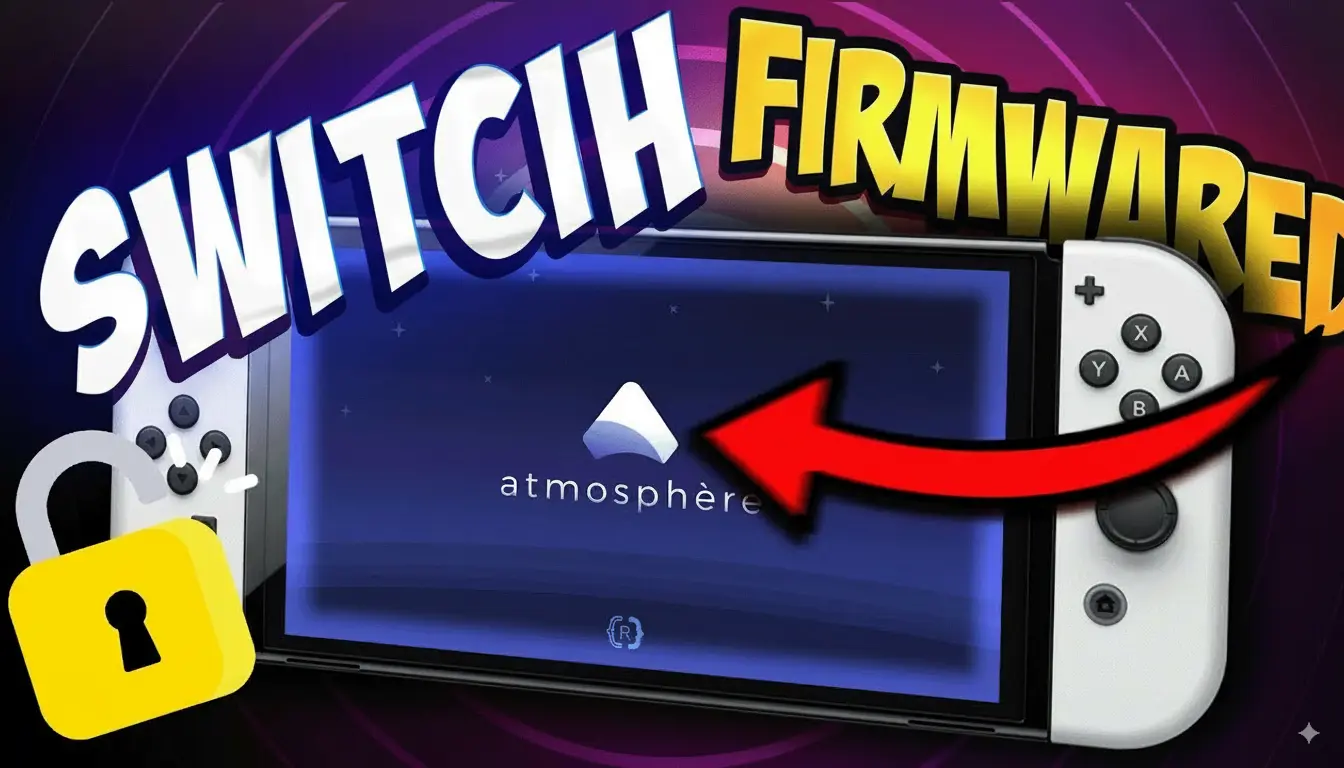
Experience the thrill of Nintendo Switch games like Super Mario Odyssey and The Legend of Zelda: Breath of the Wild, Minecraft, and Super Mario directly on your Android or PC, either using emulators like Uzuy, Suyu, Skyline, Yuzu, etc., or on your actual Nintendo Switch console. This open-source emulator replicates the Nintendo Switch environment, enabling seamless gameplay without needing the actual console.
What Is Nintendo Switch Firmware?
Understanding Nintendo Switch Firmware: The Backbone of Your Gaming Experience
Firmware is the integral operating system embedded within the Nintendo Switch, orchestrating the console’s hardware and software interactions. It manages essential functions, from booting up the system to running games and applications.
In the realm of emulation, particularly with the Uzuy emulator, the correct firmware is indispensable for several reasons:
- Game Compatibility: Many Nintendo Switch games are designed to operate with specific firmware versions. Utilizing outdated or mismatched firmware can lead to issues such as crashes, glitches, or games failing to load.
- Optimal Performance: The appropriate firmware ensures that the Yuzu emulator replicates the Nintendo Switch environment accurately, facilitating smoother gameplay with minimal errors or performance hiccups.
- System Updates and Features: Firmware updates introduce system enhancements, new functionalities, and security patches. Incorporating these updates into the emulator keeps it aligned with the latest advancements of the actual console.
By integrating the correct Switch firmware, the Uzuy X emulator can effectively emulate the Nintendo Switch’s hardware and software environment, enabling users to enjoy their favorite games on alternative platforms with fidelity to the original experience.
Also see: Uzuy Emulator Games Compatibility List
Download Switch Firmware (Nintendo Switch firmware) 2026
| Switch Firmware | Download Link |
|---|---|
| Firmware v22.1.0 (Latest) | DOWNLOAD |
| Firmware v22.0.0 | DOWNLOAD |
| Firmware v21.2.0 | DOWNLOAD |
| Firmware v21.1.0 | DOWNLOAD |
| Firmware v21.0.1 | DOWNLOAD |
| Firmware v21.0.0 | DOWNLOAD |
| Firmware v20.5.0 | DOWNLOAD |
| Firmware v20.4.0 | DOWNLOAD |
| Firmware v20.3.0 | DOWNLOAD |
| Firmware v20.2.0 | DOWNLOAD |
| Firmware V20.1.5 | DOWNLOAD |
| Firmware v20.1.1 | DOWNLOAD |
| Firmware v20.1.0 | DOWNLOAD |
| Firmware v20.0.1 | DOWNLOAD |
| Firmware v20.0.0 | DOWNLOAD |
| Firmware v19.0.1 | DOWNLOAD |
| Firmware v19.0.0 | DOWNLOAD |
| Firmware v18.1.0 | DOWNLOAD |
| Firmware v18.0.1 | DOWNLOAD |
| Firmware v18.0.0 | DOWNLOAD |
| Firmware v17.0.1 | DOWNLOAD |
| Firmware v17.0.0 | DOWNLOAD |
| Firmware v16.1.0 | DOWNLOAD |
| Firmware v16.0.3 | DOWNLOAD |
| Firmware v16.0.2 | DOWNLOAD |
| Firmware v16.0.1 | DOWNLOAD |
| Firmware v16.0.0 | DOWNLOAD |
| Firmware v15.0.1 | DOWNLOAD |
| Firmware v15.0.0 | DOWNLOAD |
Also see: Eden Prod Keys and Title Keys v22.1.0 Download
Download Switch Firmware (Versions, China)
| Version | File Size | Links |
|---|---|---|
| v18.1.0 | 320MB | DOWNLOAD |
| v18.0.1 | 323MB | DOWNLOAD |
| v18.0.0 | 323MB | DOWNLOAD |
| v17.0.1 | 323MB | DOWNLOAD |
| v17.0.0 | 323MB | DOWNLOAD |
| v16.1.0 | 325MB | DOWNLOAD |
| v16.0.2 | 325MB | DOWNLOAD |
| v16.0.1 | 325MB | DOWNLOAD |
| v16.0.0 | 325MB | DOWNLOAD |
| v15.0.1 | 322MB | DOWNLOAD |
| v15.0.0 | 322MB | DOWNLOAD |
| v14.1.2 (Rebootless Update 3) | 320MB | DOWNLOAD |
| v14.1.2 (Rebootless Update 2) | 320MB | DOWNLOAD |
| v14.1.2 (Rebootless Update) | 320MB | DOWNLOAD |
| v14.1.2 | 320MB | DOWNLOAD |
| v14.1.1 | 320MB | DOWNLOAD |
| 14.1.0 | 320MB | DOWNLOAD |
| v14.0.0 | 320MB | DOWNLOAD |
| Firmware 13.2.1 | 320MB | DOWNLOAD |
Nintendo Switch Emulator Firmware
When using a Nintendo Switch emulator like Yuzu or Ryujinx, having the correct Switch firmware and prod.keys is essential for running games smoothly. The firmware acts as the system software that allows the emulator to properly handle game files, just like the real Nintendo Switch console.
👉 Important Note:
- Firmware isn’t strictly required to play games. You mainly need prod.keys, but adding firmware can improve compatibility and performance.
- For Ryujinx firmware and prod.keys are mandatory. Without them, most games will not boot.
Nintendo Switch Firmware Installation
- Download the Latest Firmware – Get the latest Nintendo Switch firmware (in ZIP format)
- Extract the ZIP File – Unzip the firmware package so all the files are ready.
- Open Emulator – Launch the emulator on your PC.
- Find the Folder – In Yuzu, click File → Open Yuzu Folder.
- Navigate to the Registered Folder – Go to this path inside the Yuzu directory:
nand > system > Contents > registered - Paste the Firmware Files – Copy all the extracted firmware files into the registered folder.
- Finish Installation – Close and restart Yuzu. Your firmware is now installed.
How to Install Switch Firmware on Suyu Emulator [Fix “Firmware Missing” Error]
![How to Install Switch Firmware on Suyu Emulator [Fix “Firmware Missing” Error]](https://uzuymmjr.net/wp-content/uploads/2026/06/Install-Switch-Firmware-on-Suyu-Emulator.webp)
Follow these steps carefully. I’ve added extra tips to avoid common mistakes!
Step 1: Get the Firmware Files
- If you own a Switch:
- Use tools like NXDumpTool to legally dump firmware from your console.
- Save the files to a folder named
Suyu_Firmware(so you won’t lose them!).
- Stuck?
(Hypothetically) Search online for “Switch firmware 16.0.0” (replace with your Switch’s version). Look for SHA-256 checksums to verify authenticity.
Step 2: Extract the Firmware
- Right-click the downloaded
.zipfile. - Select “Extract All” → Choose a simple location like
Desktop/Suyu_Firmware. - Ensure the extracted folder has .nca files (these are critical!).
❌ Avoid: Nested folders or leaving files in the .zip. Suyu needs direct access!
Step 3: Open Suyu Emulator
- Launch Suyu → Spot the toolbar at the top.
- Click “Tools” → “Install Firmware” → “Install Firmware from XCI/ZIP”. (This option prevents accidental folder missteps!)
Step 4: Select Your Firmware Folder
- In the file explorer, navigate to
Desktop/Suyu_Firmware(or your chosen location). - DO NOT open the folder—just select it and click “Open”. (Suyu auto-detects the files!)
Step 5: Let Suyu Work Its Magic ✨
- A progress bar will appear. Wait patiently—this takes 1-3 minutes.
- Success? You’ll see a green checkmark or a “Firmware installed” message.
- Failed? Double-check:
- Are the files unzipped?
- Did you select the PARENT folder (not individual files)?
Step 6: Restart Suyu
- Close the emulator fully (even the system tray icon!).
- Reopen it → Try launching your game.
🎉 Celebrate: The error should be gone!
Where to Put Yuzu Firmware (Yuzu Firmware Location)
To run Nintendo Switch games properly in Yuzu, you must install the firmware files in the correct location. Without the required firmware, some games may fail to launch, show black screens, or display system-related errors.
Yuzu Firmware Folder Location
After downloading and extracting the firmware files, place them inside the registered folder located in Yuzu’s NAND directory:
Path:yuzu > nand > system > Contents > registered
Once the firmware files have been copied to the registered folder, restart Yuzu. The emulator will automatically detect the firmware and make the necessary system files available for supported games.
How to Verify Your Yuzu or Ryujinx Firmware Installation
After installing the firmware, it is a good idea to verify that the emulator has detected it correctly. This helps ensure that the firmware files were installed properly and are ready to use.
Check the Installed Firmware Version
Most emulator builds display the current firmware version somewhere within the emulator interface. If the installation was successful, you should see the installed version listed, such as Firmware 22.1.0.
Test With a Game
The easiest way to confirm everything is working correctly is to launch a Nintendo Switch game. If the game starts normally and you do not see errors such as:
- Missing Firmware
- Missing Keys
- NCA Errors
- System Archive Errors
Then your firmware and Prod.Keys have been installed correctly, and your emulator is ready for gameplay.