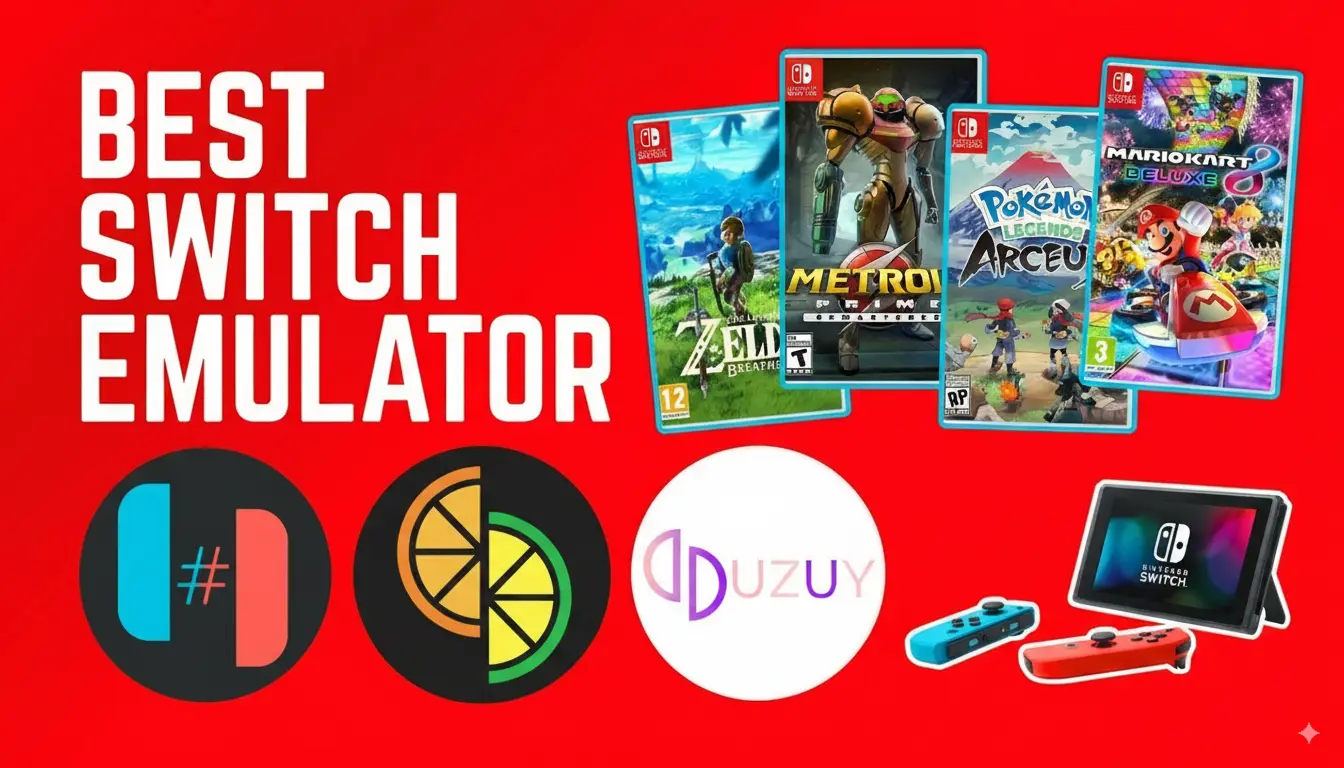
Nintendo Switch is beloved worldwide due to its versatility and fantastic library of games. But what if you could play those games right on your Android device? Thanks to the best Nintendo Switch emulators for Android, this idea is now a reality.
Whether you’re a casual gamer or a hardcore enthusiast, emulators allow you to enjoy popular Nintendo titles on your mobile device, bringing portability and convenience to the next level. This guide will walk you through everything you need to know, from the best emulators to legal usage and performance tips.
What is a Nintendo Switch Emulator?
A Nintendo Switch emulator is software that allows your Android device to replicate the functionalities of a Switch console. Essentially, it “emulates” the hardware and system software of the Switch, enabling you to play its games on your phone.
These apps are geared toward creating a console-like experience, sometimes offering enhanced customization options like better graphics and controller support.
While emulators are impressive, it’s important to note that they usually require legal game backups (known as ROMs) and a powerful device to handle Switch-level performance.
Why Use a Nintendo Switch Emulator on Android?
Nintendo Switch emulators bring a whole new dimension to gaming. Here’s why you might want to try one on your Android:
- Portability – Leave your console at home and play anywhere with just your phone.
- Customizable – Enjoy enhanced graphics, adjustable controls, and tailored settings.
- Convenience – No more swapping cartridges—your games are at your fingertips.
- Exclusive Gaming – Gamers without a Switch console can still access many of the platform’s unique titles.
Now that we understand the benefits, let’s walk through how to set up an emulator and explore some of the best ones available.
How to Set Up a Nintendo Switch on Android
Getting started with a Nintendo Switch emulator is relatively simple. Follow these steps:
- Check Your Device Compatibility
Ensure your Android phone has enough processing power (ideally a Snapdragon 845 or above), at least 4GB of RAM, and up-to-date graphics processing support.
- Download the Emulator
Visit the official website or a verified app store to download your emulator (only download from trusted sources to avoid malware).
- Acquire Legal Game ROMs
You’ll need legally dumped ROMs of your games. You can create these backups from your physical Switch game cartridges.
- Configure the Emulator Settings
Use the emulator’s settings menu to optimize graphics, controls, and performance. Most apps include tutorials or default profiles for popular games.
- Launch and Enjoy
Once set up, select your game file and start playing!
Top Nintendo Switch Emulators for Android
Here are some of the most reliable and feature-rich Nintendo Switch emulators available on Android today:
1. Yuzu Emulator
One of the most advanced Nintendo Switch emulators, originally designed for PC, Yuzu is now available in a mobile version. Known for its cutting-edge updates and compatibility with popular titles, Yuzu is an excellent choice for serious gamers.
- Key Features:
- High compatibility with AAA Nintendo games.
- Advanced graphics optimization for high-end devices.
- Intuitive UI and regular updates.
- Pros: Powerful and feature-rich.
- Cons: May require powerful hardware for smooth performance.
2. Uzuy Emulator
Uzuy is a powerful Nintendo Switch emulator designed for Android devices, offering great compatibility with many popular games. It provides a seamless gaming experience with excellent performance on modern smartphones.
Key Features:
- High compatibility with a variety of Switch games.
- Optimized graphics for smoother gameplay.
- Easy-to-use interface with regular updates.
3. Skyline Emulator
Skyline is a rapidly rising emulator specifically built for Android users. It’s lightweight, user-friendly, and compatible with many popular Nintendo Switch titles.
- Key Features:
- Optimized for mid-range and flagship Android devices.
- Supports touchscreen and external controllers.
- Frequently updated for wider game compatibility.
- Pros: Runs well on a variety of devices.
- Cons: Fewer features compared to other emulators—for now.
4. EggNS Emulator
The EggNS Emulator is among the few emulators designed exclusively for Android hardware. It’s gaining traction for its stable performance and support for modern Nintendo games.
- Key Features:
- Supports a wide range of file formats like NSP and XCI.
- Offers built-in controller support.
- High-performance settings for smoother gameplay.
- Pros: Easy to set up and has great compatibility.
- Cons: Ads and occasional performance issues on lower-end devices.
5. Cemu Emulator (with PC Remote Play)
While Cemu is primarily a PC emulator, gamers are using remote streaming tools to play their favorite console titles on Android. This offers a unique way to enjoy Nintendo Switch emulation when paired with powerful PCs.
- Key Features:
- Industry-leading performance on Windows PCs.
- Greater graphics and resolution options with a PC setup.
- Pros: Seamless PC-to-Android connectivity for high-end gaming.
- Cons: Requires a PC; less convenient for on-the-go gaming.
“Key Features to Look for in a Nintendo Switch Emulator for Android”
Before choosing a Nintendo Switch emulator, keep these features in mind:
When choosing a Nintendo Switch emulator for Android, consider these key factors:
- Compatibility: Ensure the emulator supports a wide range of popular Nintendo Switch games, including AAA titles.
- Performance: Look for smooth gameplay with minimal lag, especially on your device’s hardware.
- User Interface: A clean and intuitive UI makes it easier to navigate and configure settings.
- Graphics Quality: High-quality graphics and optimization options for better visuals on your Android device.
- Controller Support: Check for compatibility with physical controllers like Xbox or Nintendo Pro controllers.
- Regular Updates: Choose an emulator that receives frequent updates for bug fixes and game compatibility improvements.
- Ease of Setup: The emulator should be easy to install and set up, with clear instructions for configuring keys and loading games.
Optimizing Emulator Performance on Android
For the best gaming experience, try these tips:
- Close all background apps to free up processing power.
- Adjust the resolution and frame rate to match your device’s capabilities.
- Use external controllers for better precision and gameplay flexibility.
Troubleshooting Common Issues
Encountering problems? Here’s how to fix common issues:
- Lag or Low Frame Rate: Reduce graphics settings or enable frame skips.
- Game Crashes: Confirm you’re using compatible ROMs with the right emulator version.
- Input Lag: Use a performance-optimized Bluetooth controller.
Which Emulator Is Right for You?
Choosing the best Nintendo Switch emulator for Android depends on your gaming needs. Whether it’s uzuy’s cutting-edge features, Skyline’s streamlined Android experience, or EggNS’s custom Android optimization, there’s something for every gamer in this list. Give them a try and take your mobile gaming to the next level!
FAQ Section
Q1. Can I play Nintendo Switch games on my Android phone?
Yes, with the right emulator and sufficient hardware, Android devices can run Switch games effectively.
Q2. Is it legal to use Nintendo Switch emulators?
The emulation itself is legal. However, downloading copyrighted ROMs is illegal. Always use legally obtained ROMs.
Q3. What is the best emulator for games like Zelda on Android?
Yuzu and Skyline are both excellent choices for games like The Legend of Zelda.